Introducing JWT Authentication for Rivet Actors
Issue short-lived JWTs scoped to specific actors. Plug in Auth0, Clerk, Better Auth, or your own sessions, and let clients connect to actors directly.
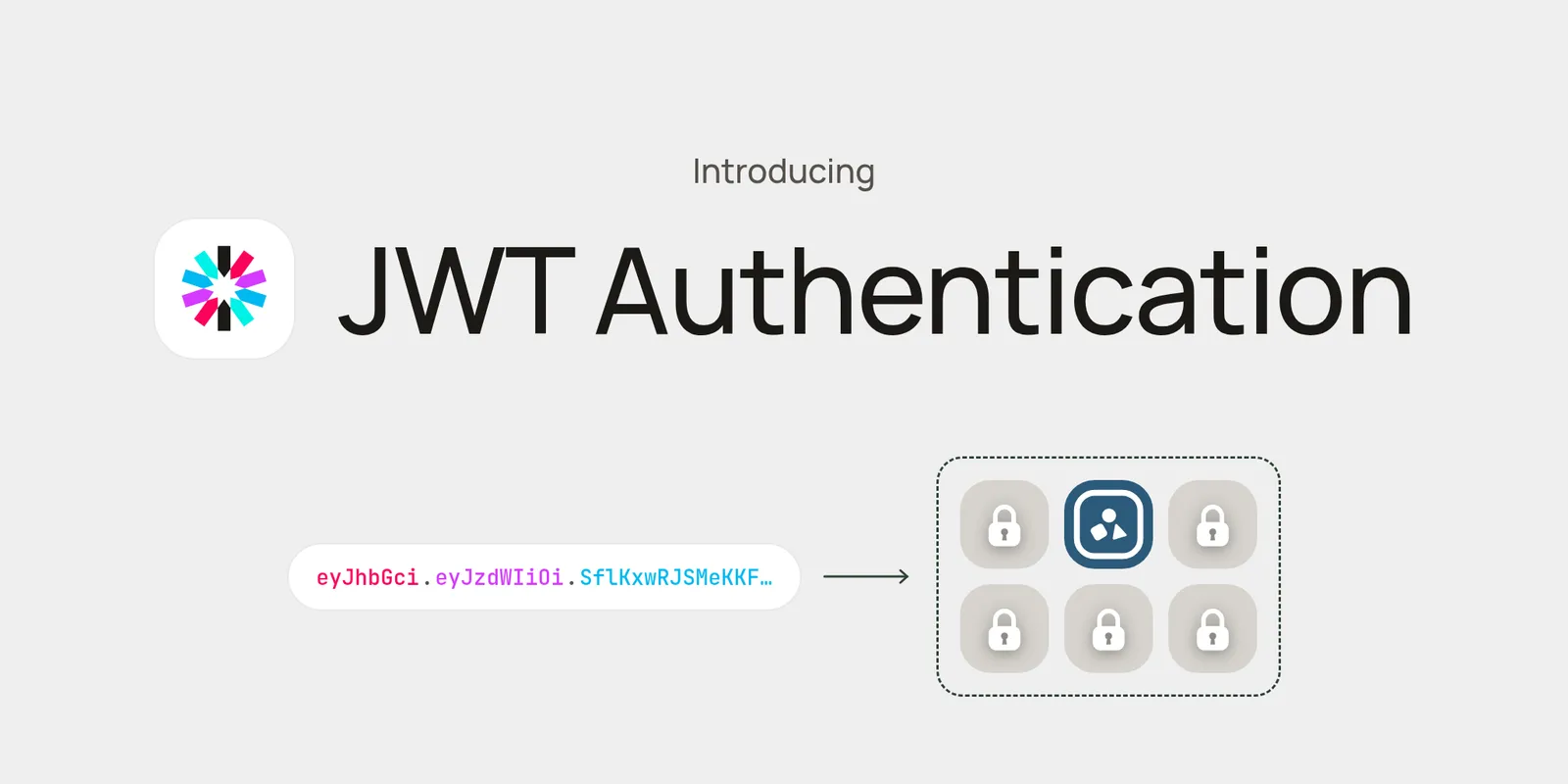
Today we’re shipping JWT authentication for Rivet Actors. Your backend issues short-lived tokens scoped to specific actors, and whoever holds the token can reach those actors and nothing else.
Rivet doesn’t do sign-in. It plugs into the auth you already have: Auth0, Clerk, Better Auth, Supabase Auth, Firebase Auth, WorkOS, Okta, Cognito, or your own sessions. Once your backend knows who the user is, it mints a Rivet token for that user’s actors and hands it to:
- Your frontend, so browsers and mobile apps connect to actors directly over HTTP or WebSocket
- Your own services, when a job or worker needs access to a few actors instead of the admin token
Public or private actors
Until now the only credential was the admin token, so actors sat behind your own API. That still works:
With scoped tokens, your backend signs the user in, asks Rivet for a token scoped to the actor, and the client talks to the actor directly:
This removes a layer from your architecture. There’s no proxy to write and maintain for every action and WebSocket, no extra round trip through your servers, and requests go straight from the client to the actor in the nearest edge region. Both setups run the same actor code, so you can keep some actors private and expose others.
How it works
Issue a token from your backend
Your backend keeps the admin token. After the user signs in, call issueToken on the actor they should reach:
// Your backend, after sign-in
const room = rivet.chatRoom.getOrCreate([roomId]);

const { token } = await room.issueToken({
  subject: user.id,
  expiresIn: 300,
});
Pass the token to the client
The client asks your backend for a token and hands it to RivetKit:
// Your client
const client = createClient<typeof registry>({
  endpoint: RIVET_ENDPOINT,
  namespace: "default",
  // Called on first use and again automatically whenever the token expires
  getToken: async () => {
    const res = await fetch("/api/rivet-token", { credentials: "include" });
    return (await res.json()).token;
  },
});
Connect directly to the actor
Every request now carries the token, and the gateway verifies it before forwarding to the actor:
const room = client.chatRoom.getForId(actorId);
await room.sendMessage("hello");
Tokens are signed by the control plane and verified at the gateway. The client never sees the admin token, and a leaked token is only good for one actor until it expires.
Granular permissions
issueToken on an actor defaults to connecting to that actor and nothing else. Pass permissions to widen it to managing the actor (actor) or reading its KV (actor_kv), each with create, read, update, delete, or list:
await room.issueToken({
  subject: user.id,
  expiresIn: 300,
  permissions: {
    actor_gateway: ["read"],
    actor: ["read", "delete"],
  },
});
For anything beyond a single actor, client.auth.issueToken takes an explicit list of grants. One token can cover several actors and other resources, such as letting an internal service connect to a user’s actors and create new ones:
await client.auth.issueToken({
  subject: "billing-worker",
  expiresIn: 3600,
  grants: [
    { resource: "actor_gateway", target: { id: roomId }, operations: ["read"] },
    { resource: "actor_gateway", target: { id: inboxId }, operations: ["read"] },
    { resource: "actor", target: "any", operations: ["create", "list"] },
    { resource: "actor_kv", target: "any", operations: ["read"] },
  ],
});
Tokens expire after expiresIn seconds, up to 24 hours.
Unauthenticated access is now off by default
The open source engine now requires the admin token or a JWT on every request. To restore the old behavior while you migrate, set auth.insecure_allow_unauthenticated: true in your engine config. Don’t run that on anything reachable from the internet.
Availability
JWT authentication is available in open source today and rolls out to Rivet Cloud on September 25.