Blog
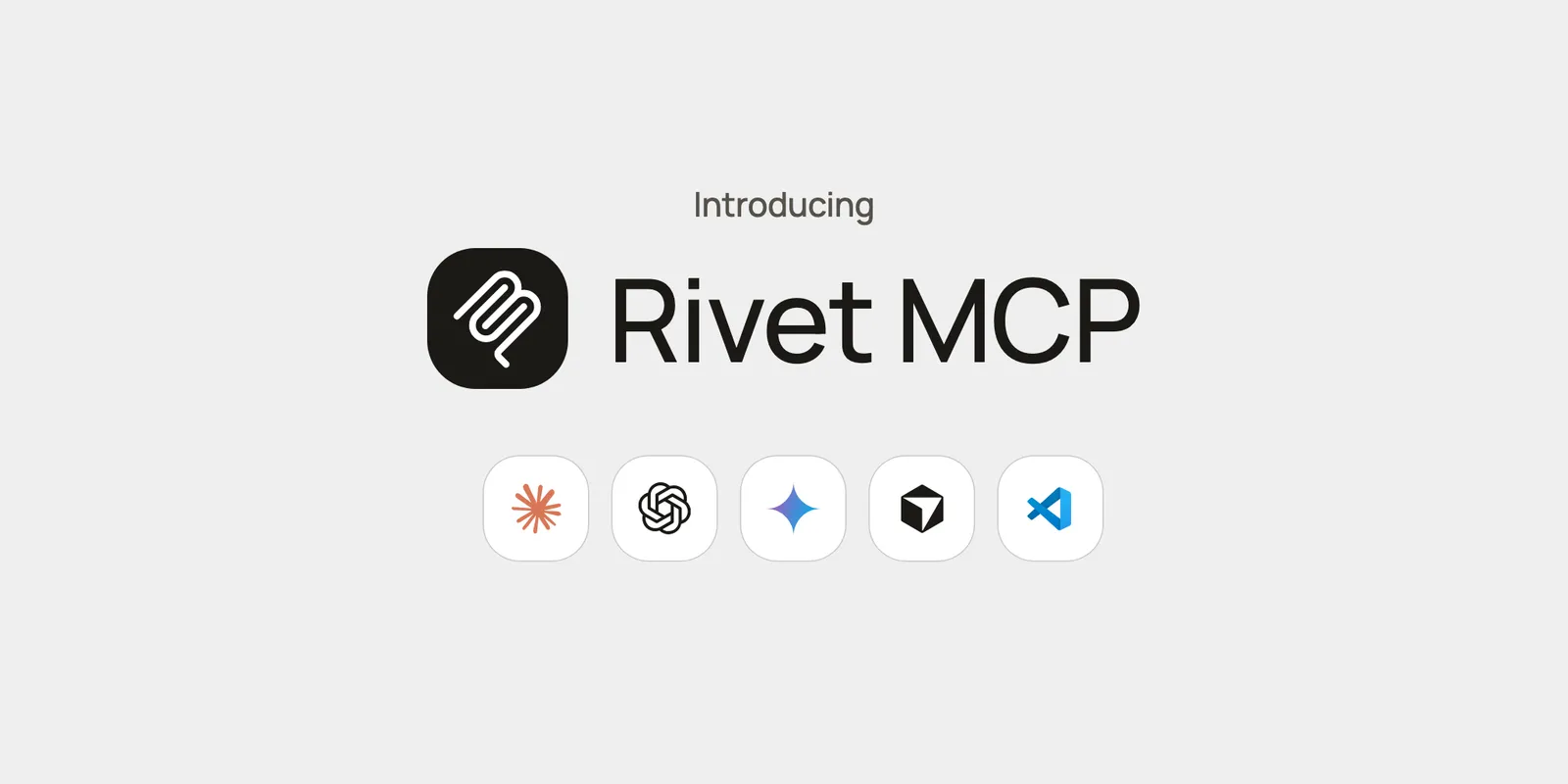
Introducing Rivet MCP
Connect Claude Code, Codex, Cursor, Gemini CLI, or VS Code to Rivet to list actors, call actions, and open the Actor Inspector from your AI client.
Rivet MCP is available at https://mcp.rivet.dev/mcp. Setup instructions are in the docs.
Supported Clients
- Claude Code
- Codex
- Cursor
- Gemini CLI
- VS Code
- Any client that supports remote MCP servers
What You Can Do
- List actors
- Call actor actions
- Open the Actor Inspector inside the conversation
- Manage Rivet Compute pools
- Read compute metrics
- List Docker images
Access can be limited to one organization, project, or namespace.