Vercel's Eve now supports agentOS
A lightweight OS for every Eve agent, running in the backend you already operate. No sandboxes, VMs, or SaaS.
Updated October 20, 2026: agentOS software has moved from npm to the agentOS registry. See Software for how to install it today.
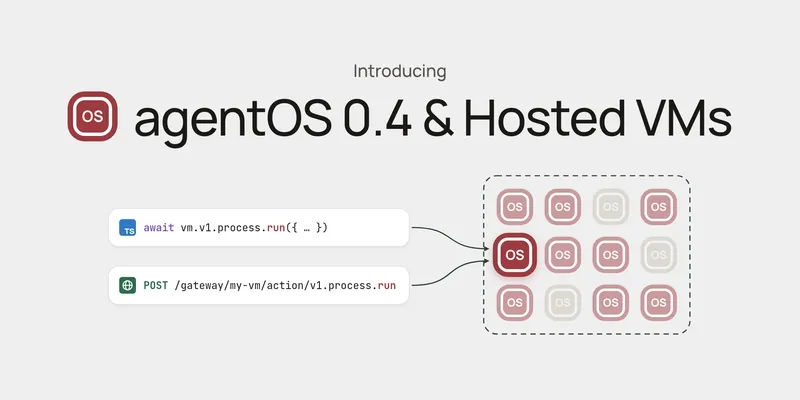
Today, Vercel’s Eve agent framework officially supports agentOS.
Every Eve agent reaches into a sandbox for everything it needs to do, from working with files to running untrusted code. That sandbox has always meant a separate machine to provision, run, and pay for.
agentOS replaces it with a lightweight OS that runs in the backend you already operate: no sandboxes, VMs, or SaaS. Against a best-in-class sandbox provider, it’s:
- 92× faster to cold start: 4.8 ms p50 vs. 440 ms
- 47× smaller in memory: about 22 MB vs. a 1 GiB sandbox
- 254× cheaper to run: self-hosted AWS ARM vs. per-second sandbox billing
Why agentOS: an OS as a library
A sandbox gets its isolation by booting a virtual machine. The kernel, guest OS, and virtual hardware all have to come up before the agent runs a single command, and that’s where the 440 ms and the gigabyte of memory go.
agentOS gets the same isolation without a virtual machine. There’s no kernel, no hypervisor, and nothing to provision.
Instead, that isolation comes from WebAssembly and V8, the same sandboxing that contains untrusted code in every Chrome tab and on Cloudflare Workers. It’s small, and its security has been hardened over years and years.
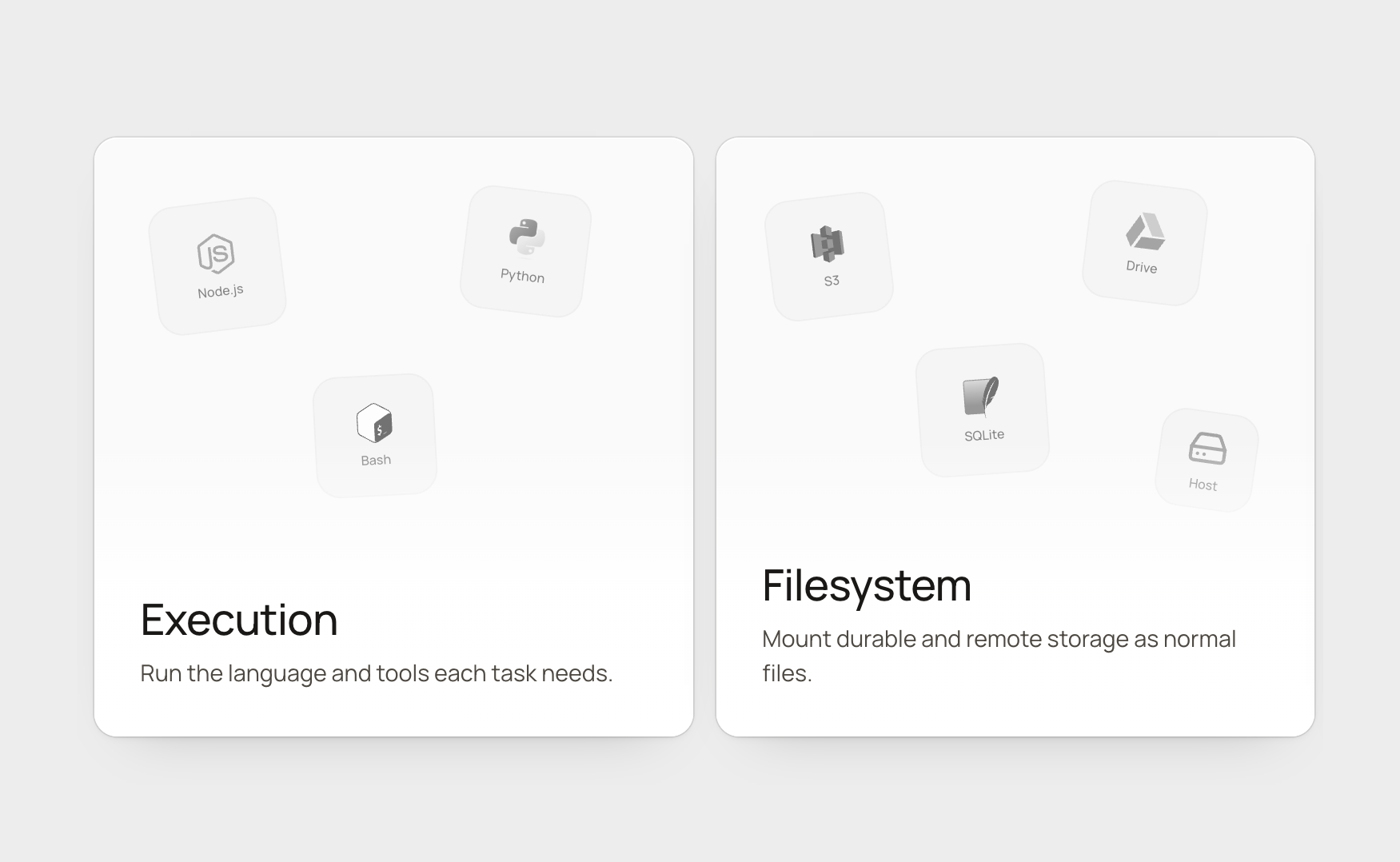
Inside it, agents get a real scripting layer instead of a chain of tool calls. JavaScript, Python, and Bash run in a secure, Linux-compatible runtime.
The agent becomes part of your application, not another service:
- Library, not extra infrastructure: install from npm and run it in the backend process you already operate.
- Direct function calls, not extra APIs: connect agents to your application with ordinary JavaScript instead of another network service.
- Scoped access, not exposed credentials: bind trusted host functions without ever giving the agent your raw secrets.
You get Eve’s developer experience on an OS built for agents.
Building an Eve agent with agentOS
Install the agentOS + Eve integration:
pnpm add eve @rivet-dev/agentos @rivet-dev/agentos-eve
Then point Eve’s sandbox at an agentOS VM:
// Point Eve's sandbox at the agentOS VM
import { agentOSBackend } from "@rivet-dev/agentos-eve";
import { defineSandbox } from "eve/sandbox";

export default defineSandbox({
	backend: agentOSBackend({ actor: "vm" }),
});
// Keep the native integration packages external when Eve builds the agent.
import { defineAgent } from "eve";

export default defineAgent({
	build: {
		externalDependencies: ["@rivet-dev/agentos", "@rivet-dev/agentos-eve"],
	},
});
// Define the VM as an agentOS actor. Software, permissions, limits, mounts, and
// bindings all live here.
import { agentOS, setup } from "@rivet-dev/agentos";

export const vm = agentOS({
    /* Configuration goes here. */
});

export const registry = setup({ use: { vm } });
import { defineInstrumentation } from "eve/instrumentation";
import { registry } from "./registry";

// Starts the actor runtime
registry.start();

export default defineInstrumentation({});
Giving it a filesystem
Most of what an agent does is read and write files, so the filesystem is where a sandbox earns its keep.
Every agentOS VM ships with a persistent POSIX filesystem that survives sleep and wake with no setup, backed by Rivet Actors’ storage. Anything else you want the agent to see gets mounted at a path, the same way you’d mount a disk:
import { agentOS, setup } from "@rivet-dev/agentos";

export const vm = agentOS({
	mounts: [
		{
			path: "/mnt/data",
			plugin: {
				id: "s3",
				config: { bucket: "my-bucket", prefix: "agent-data/", region: "us-east-1" },
			},
		},
	],
});

export const registry = setup({ use: { vm } });
Adding extensions
The vast majority of agent work never needs more than the VM. Desktop automation, heavy compilation, and full browsers do.
Instead of provisioning a heavy sandbox for every agent on the chance that one task needs it, agentOS starts one on demand and tears it down when the task finishes. The common path stays a 22 MB VM, and you pay sandbox cost and sandbox cold starts only for the small slice of work that actually requires one.
Mounting a Vercel Sandbox takes two extra packages:
pnpm add @rivet-dev/agentos-sandbox @vercel/sandbox
import { agentOS, setup } from "@rivet-dev/agentos";
import { vercel } from "@rivet-dev/agentos-sandbox/vercel";

export const vm = agentOS({
	sandbox: {
		provider: vercel(),
	},
});

export const registry = setup({ use: { vm } });
Browsers arrive the same way, as a software package such as Browserbase:
import browserbase from "@agentos-software/browserbase";
import { agentOS, setup } from "@rivet-dev/agentos";

export const vm = agentOS({
	software: [browserbase],
});

export const registry = setup({ use: { vm } });
Deploy to Rivet or Vercel
Most sandbox runtimes are tied to the provider that hosts them. agentOS is a library, so the same agent code runs anywhere your backend does. There’s no hypervisor, no nested virtualization, and no per-provider sandbox API to code against.
Already on Vercel? Keep your deployment and add agentOS to it.
agentOS does not support Cloudflare Workers yet. Today, run it on a Node.js or container host such as Rivet, Railway, Kubernetes, or Vercel.
Rivet is the self-hostable path: run it on Rivet Cloud, on your own infrastructure, or locally as a library. The same agent also picks up durable storage, multi-region deployment, fault-tolerant workflows, durable queues and streams, and the rich observability.
The Rivet World for Vercel is an adapter that runs Vercel’s open source libraries (including Vercel Workflows) on Rivet Actors:
pnpm add @rivet-dev/vercel-world
import { defineAgent } from "eve";

export default defineAgent({
    // Run Eve agents on Rivet
	experimental: {
		workflow: { world: "@rivet-dev/vercel-world" },
	},
});